
PC accessories · checked on live Amazon US listings
Unlock the desk setup
you actually want.
Keyboards, mice, arms, webcams, docks, headsets, mics, light bars, and cable fixes. Nine guides, seven honest picks each. Tap a pin on the desk to open its guide.
01Keyboards02Mice03Monitor arms04Webcams05USB-C docks06Headsets07Microphones08Light bars09Cable management
09guides63verified picksNY 10001checked delivery address0typed-in prices
cable managed
Build by desk type
Four desks. Four loadouts.
Pick the setup that looks most like yours and jump straight to the guides that matter for it.
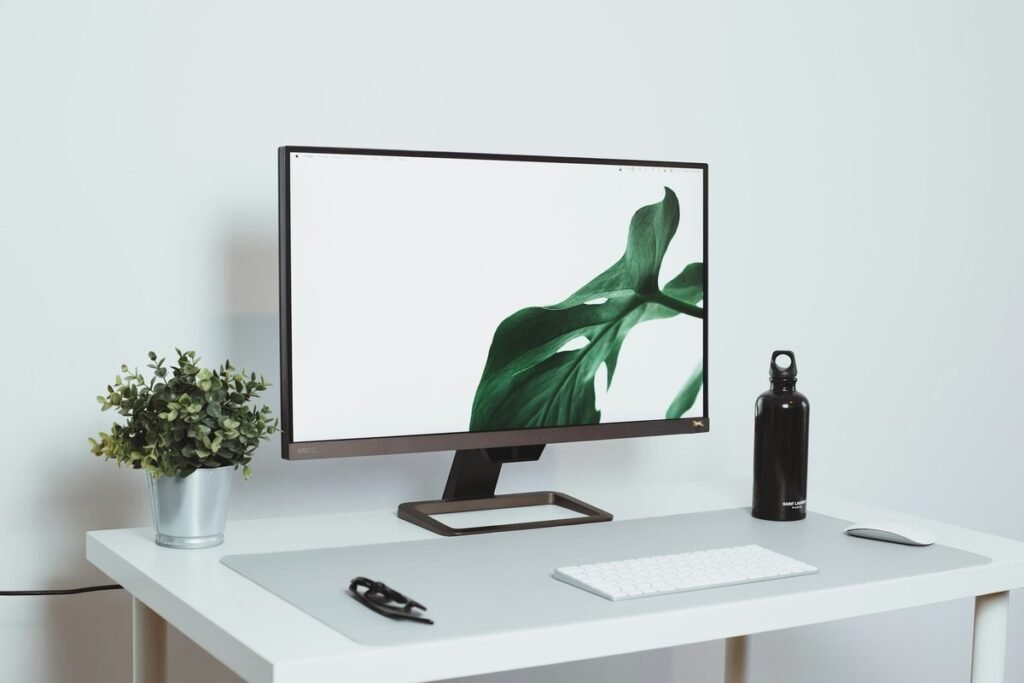
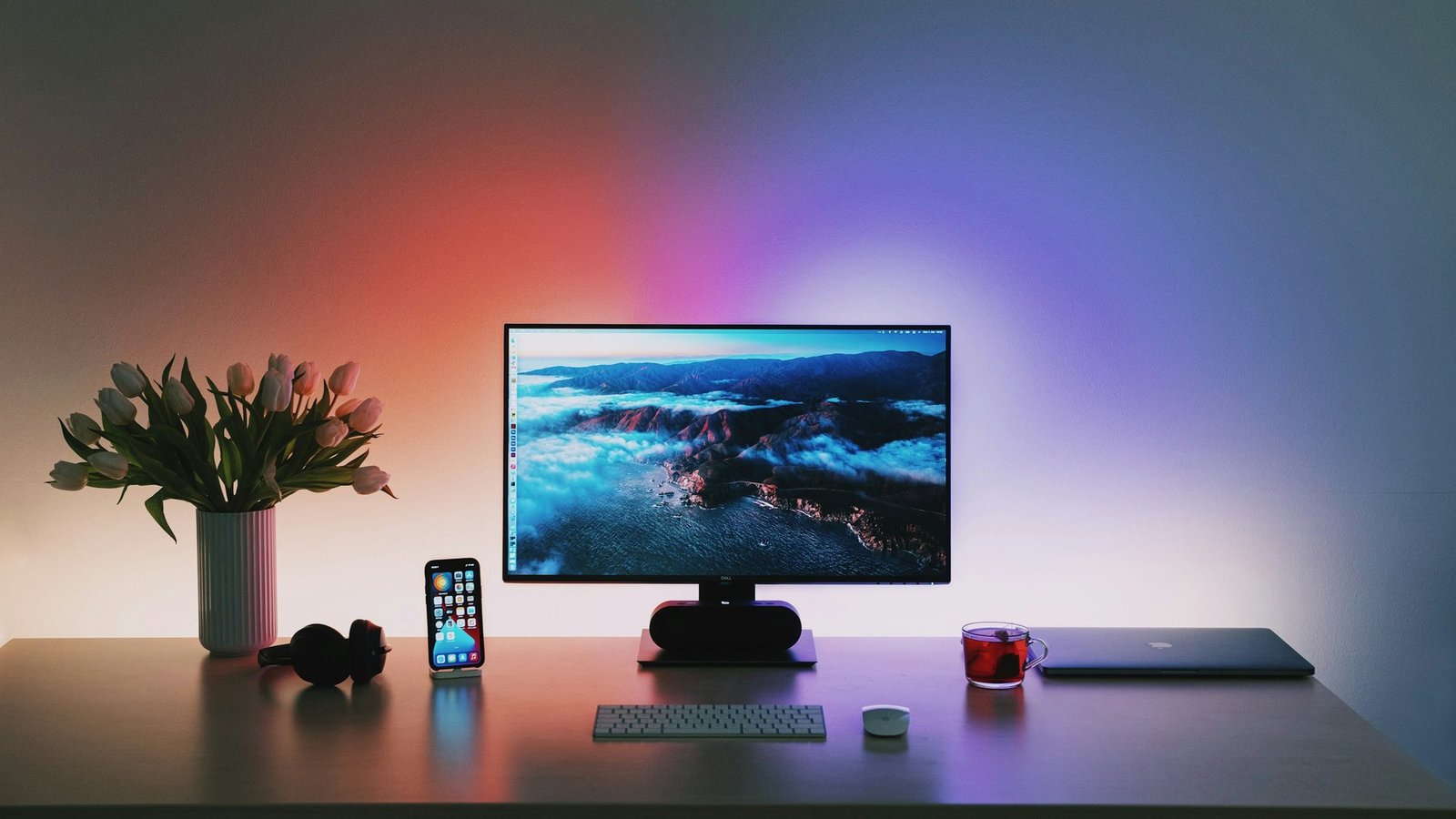
WFH
Minimal home office
Quiet keys, one great mouse, the screen at eye level, and nothing on the desk you don’t use.
Loadout
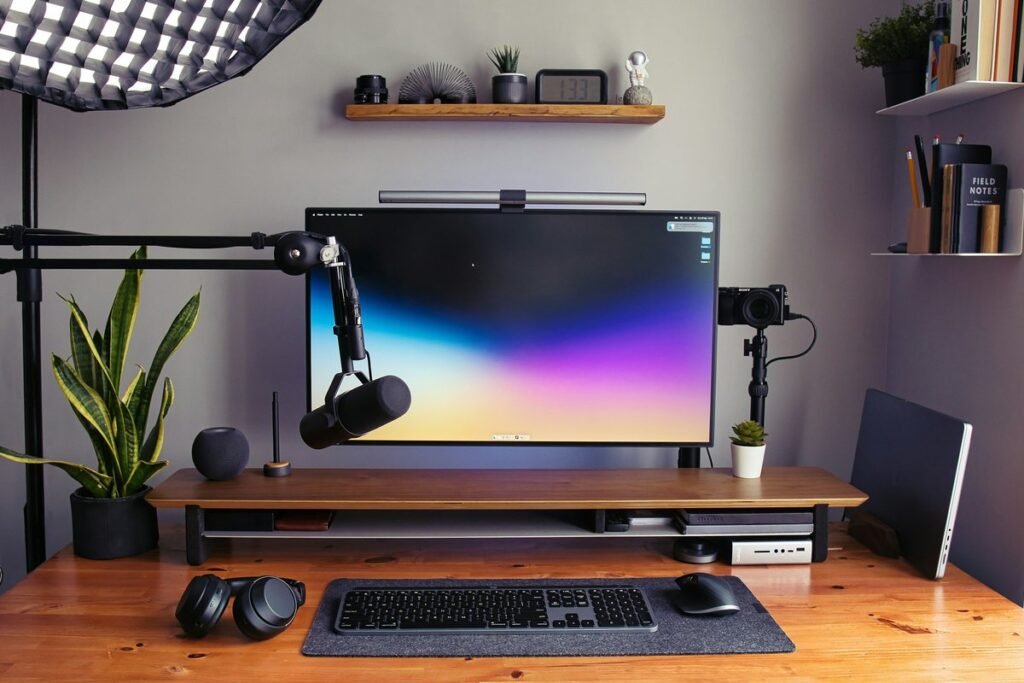
CREATE
Creator & streamer
A camera that holds focus, a mic that ignores the room, and light that flatters both.
Loadout
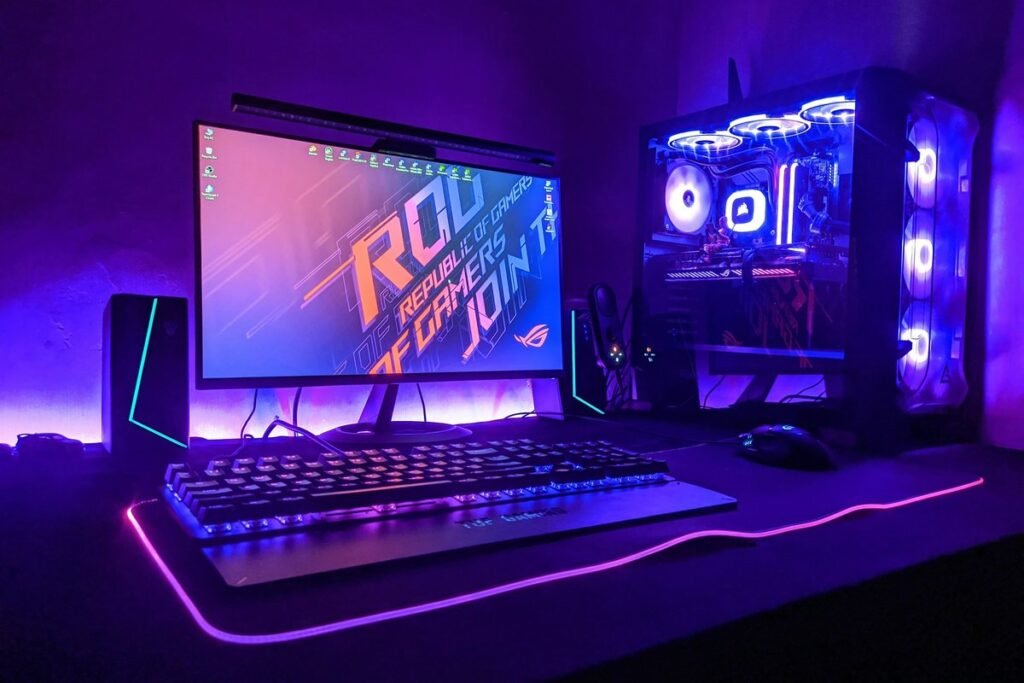
PLAY
Competitive gaming
Fast inputs, a headset you forget you’re wearing, and a heavy screen held rock-steady.
Loadout
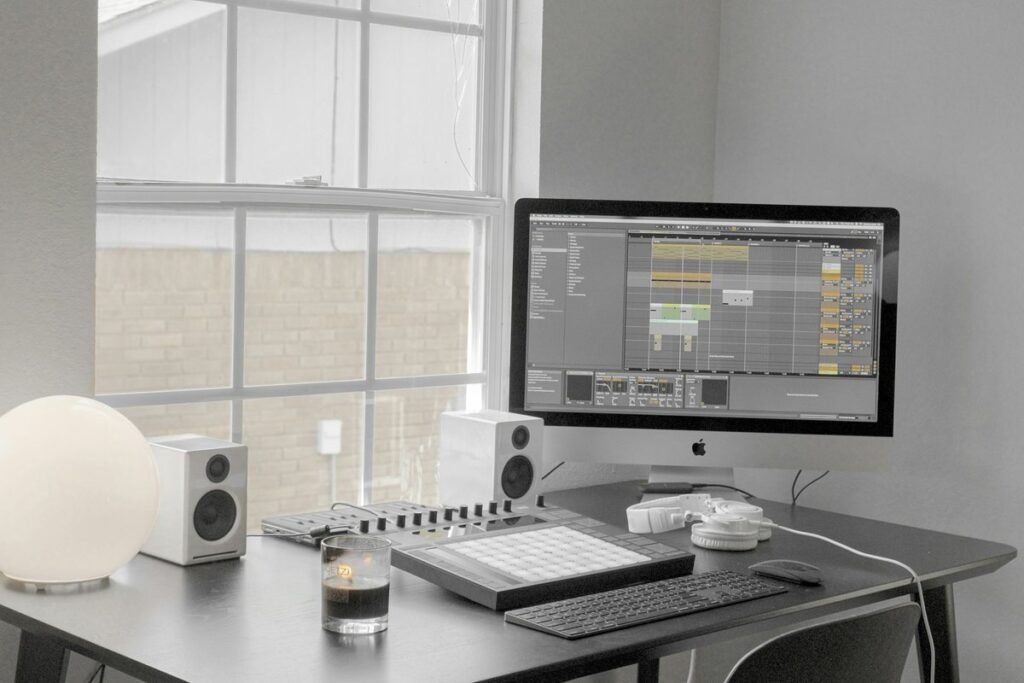
SMALL
Compact & dorm
Small footprint, one-cable laptop docking, and a clean underside so the room stays tidy.
Loadout
Upgrade path
Upgrade in the right order.
Not sure where to start? Work through the tiers. Each one links to the guides that give the biggest jump for the money.
TIER 1$
Quick wins
Cheap fixes you notice on day one.
Tidy the cables, light the desk, and stop sounding like a laptop mic.
TIER 2$$
Core upgrades
The things you touch every hour.
A keyboard and mouse that fit your hands, and a camera that makes calls look sharp.
TIER 3$$$
Endgame desk
Build it once, keep it for years.
Float the screen, dock with one cable, and go wireless on audio.
Spec sheet
The top pick from every guide
If you only buy one thing per category, start here. Every row opens the full review with six more options.
SlotTop pickKey specStatus01Logitech MX MechanicalKeyboardsLow-profile tactile, 3-device switchingVERIFIED02Logitech MX Master 4MiceHaptics, MagSpeed wheel, thumb wheelVERIFIED03Amazon Basics Gas Spring ArmMonitor arms15–27″ screens, adjustable tensionVERIFIED04EMEET NOVA 4KWebcams4K, PDAF autofocus, dual micsVERIFIED05Anker Prime 14-in-1 DockUSB-C docksDual monitor, one-cable dockingVERIFIED06HyperX Cloud IIIHeadsets53 mm drivers, USB-C / USB-A / 3.5 mmVERIFIED07Shure MV7+MicrophonesDynamic, USB-C + XLRVERIFIED08Quntis Light Bar + BacklightLight barsFront light, wall backlight, remoteVERIFIED09Cinati Under-Desk TrayCable managementMetal tray, holds a power stripVERIFIED> Prices are pulled live from Amazon on each card. Press a row to open the full guide_
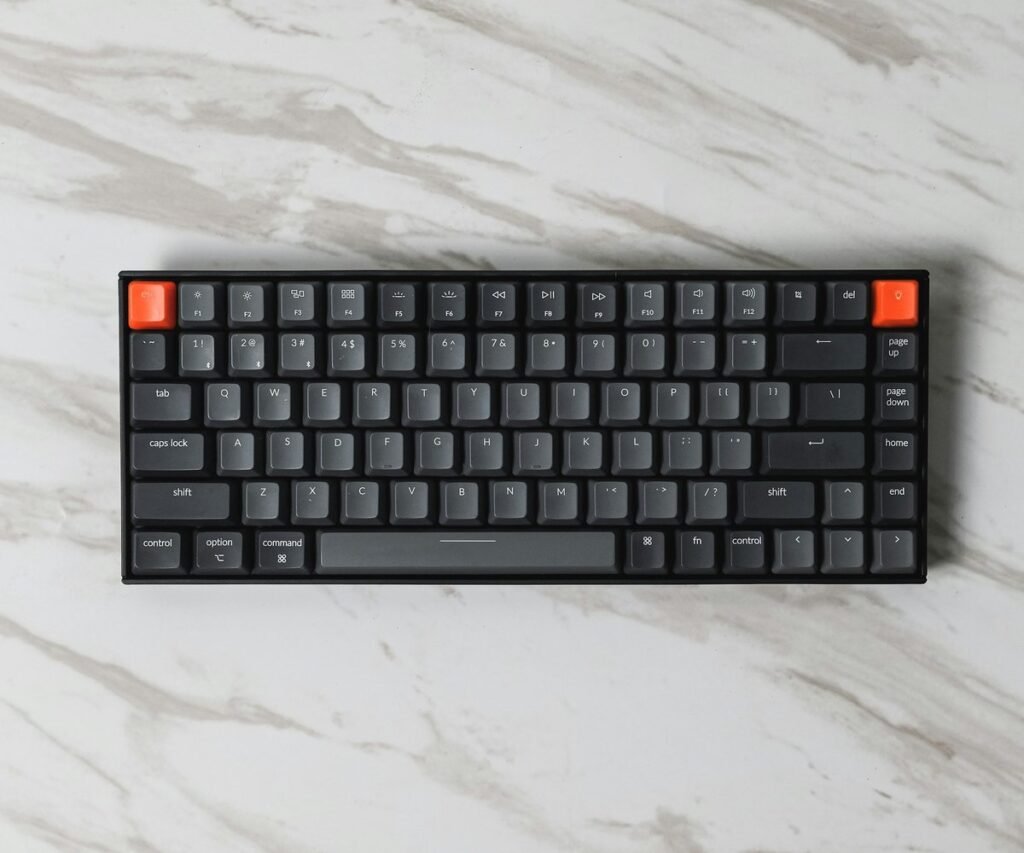
Featured guide
Guide 01
Mechanical keyboards worth typing on all day
01Pick a layout firstFull-size, TKL, or 75%. Layout decides your desk space more than switches do.02Then choose the feelTactile, linear, or Hall-effect with adjustable actuation.03Match it to your daySeven boards, from the quiet MX Mechanical to a budget hot-swap.
cable managed
The vault
Nine guides. Seven picks each.
Every guide ends with a plain list of ASINs, so you can check each live listing yourself.
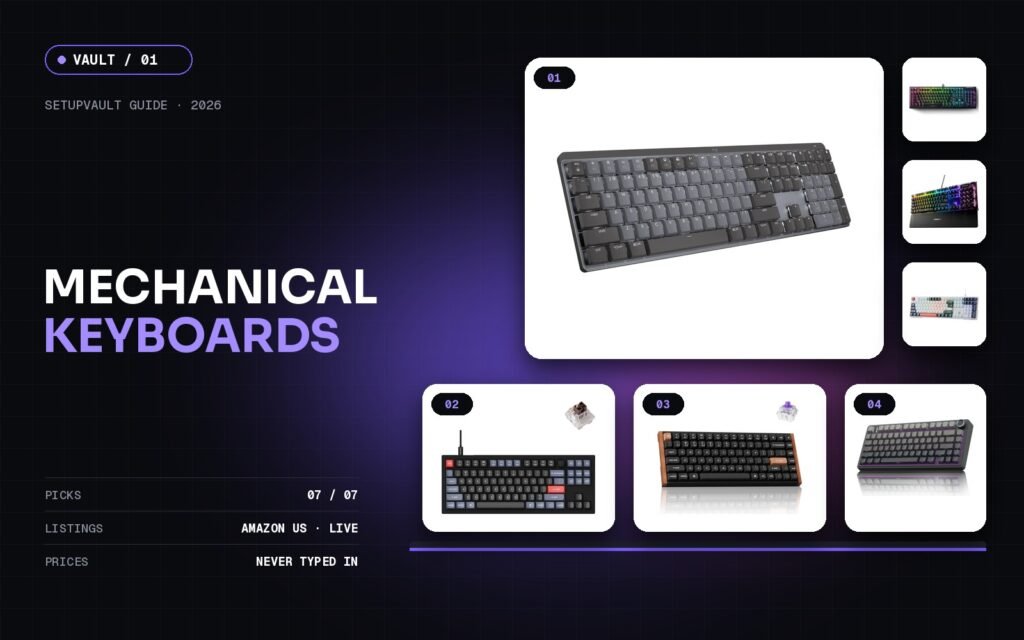
Mechanical Keyboards: 7 Boards Worth Typing On All Day (2026)
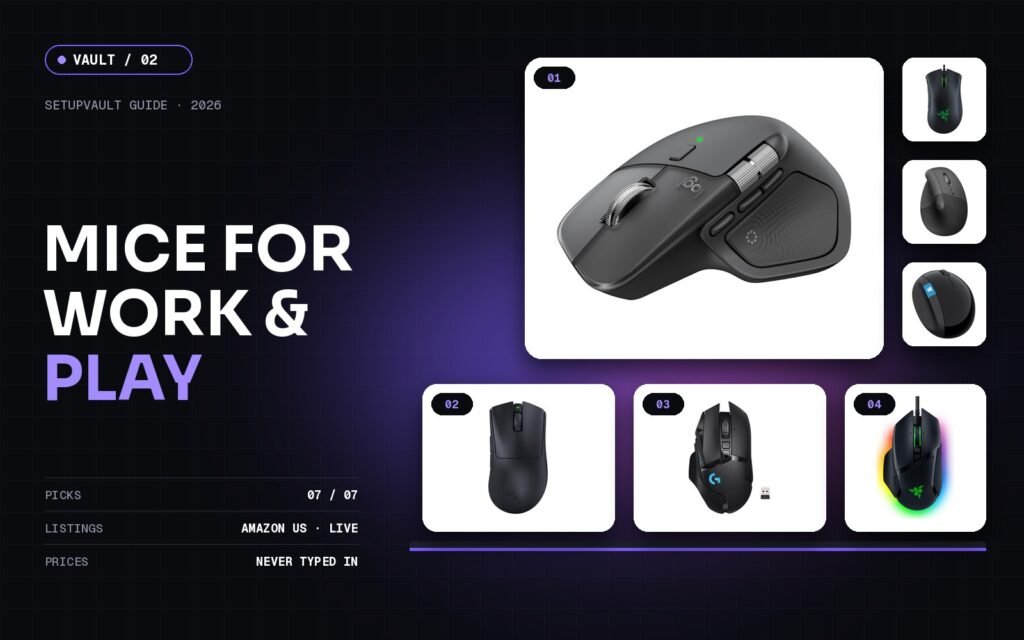
Best Mice for Work and Play: 7 Picks From Ergonomic to Esports (2026)
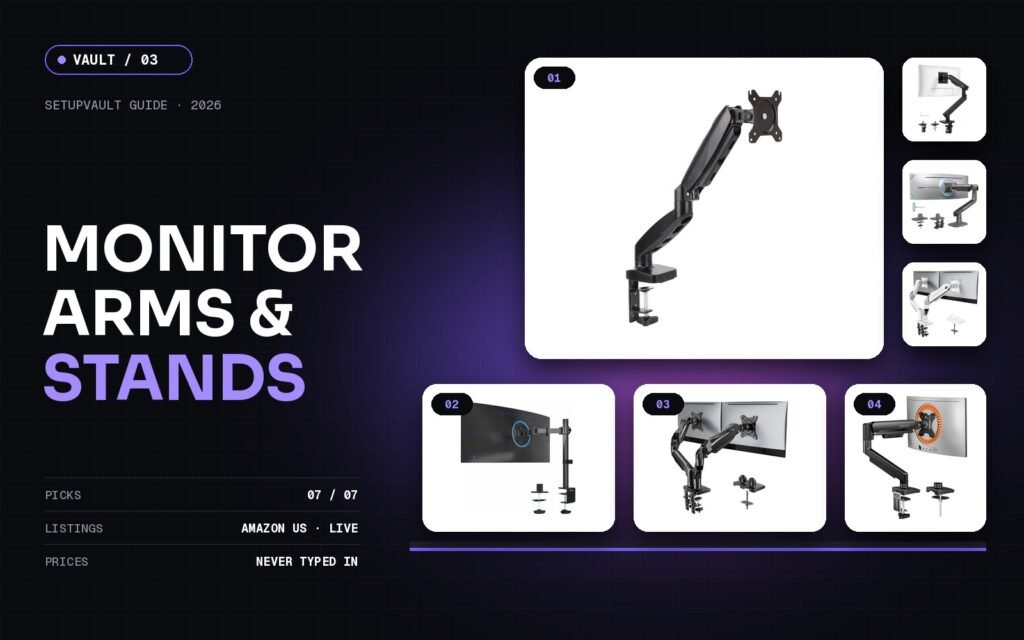
Monitor Arms and Stands: 7 Mounts That Free Up Your Desk (2026)
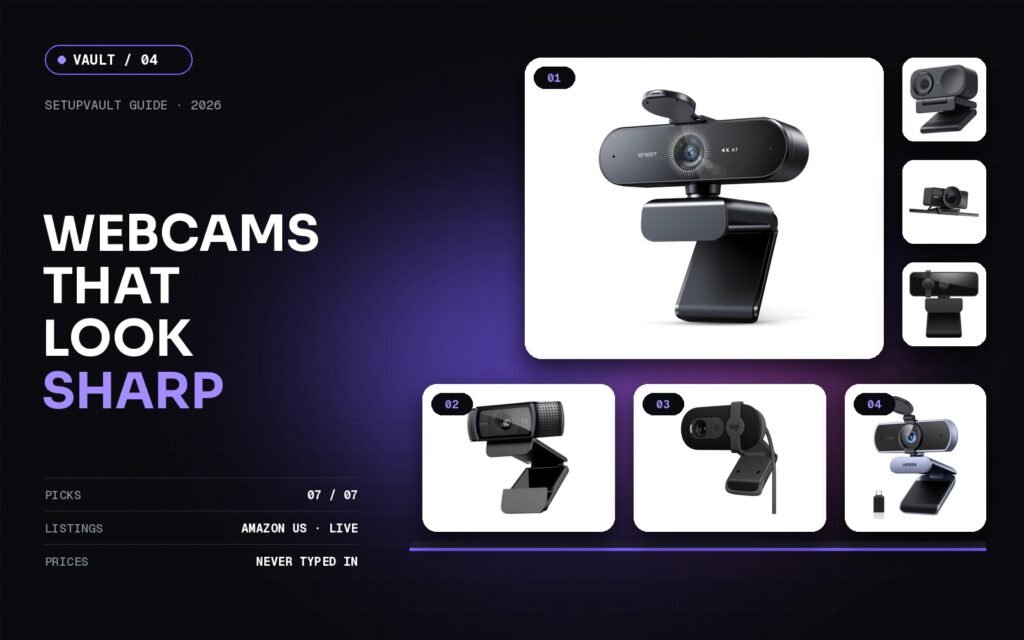
Webcams That Make You Look Sharp: 7 Picks for Calls and Streaming (2026)
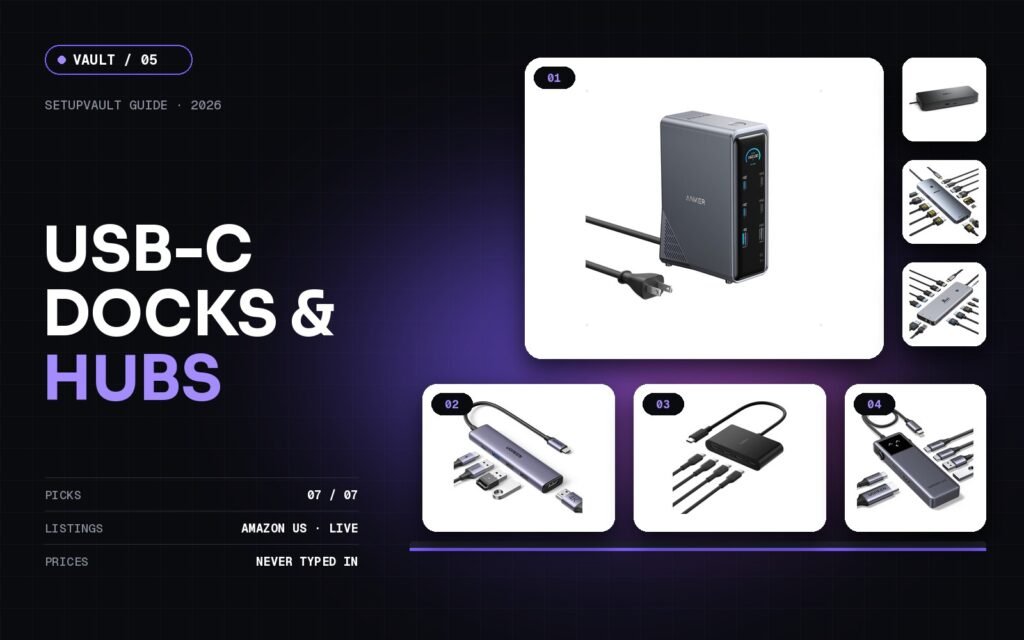
USB-C Docks and Hubs: 7 Ways to Connect Everything With One Cable (2026)
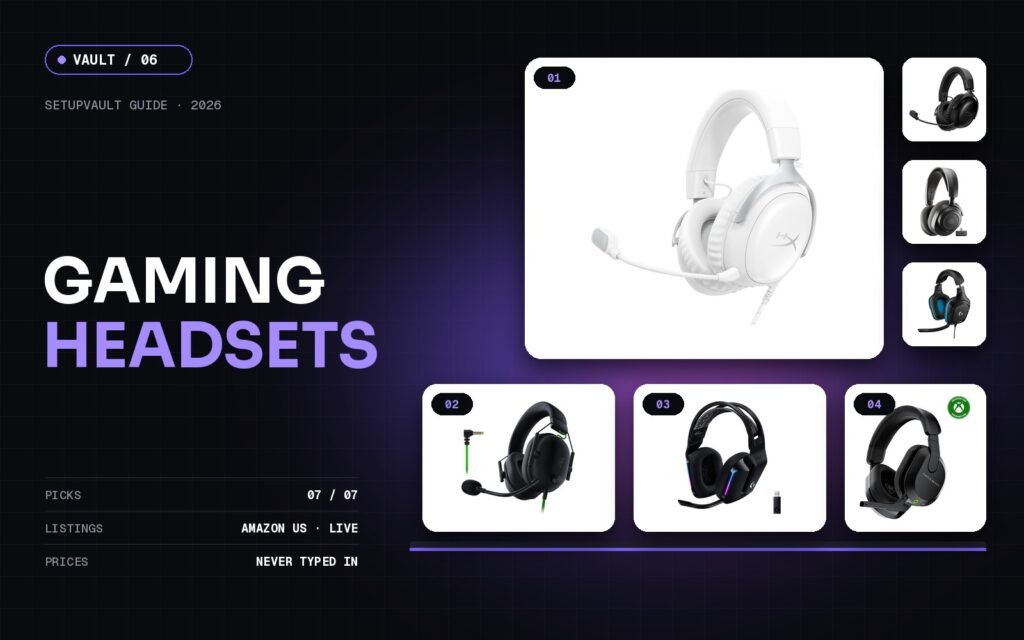
Gaming Headsets: 7 Picks for Clear Chat and Long Sessions (2026)
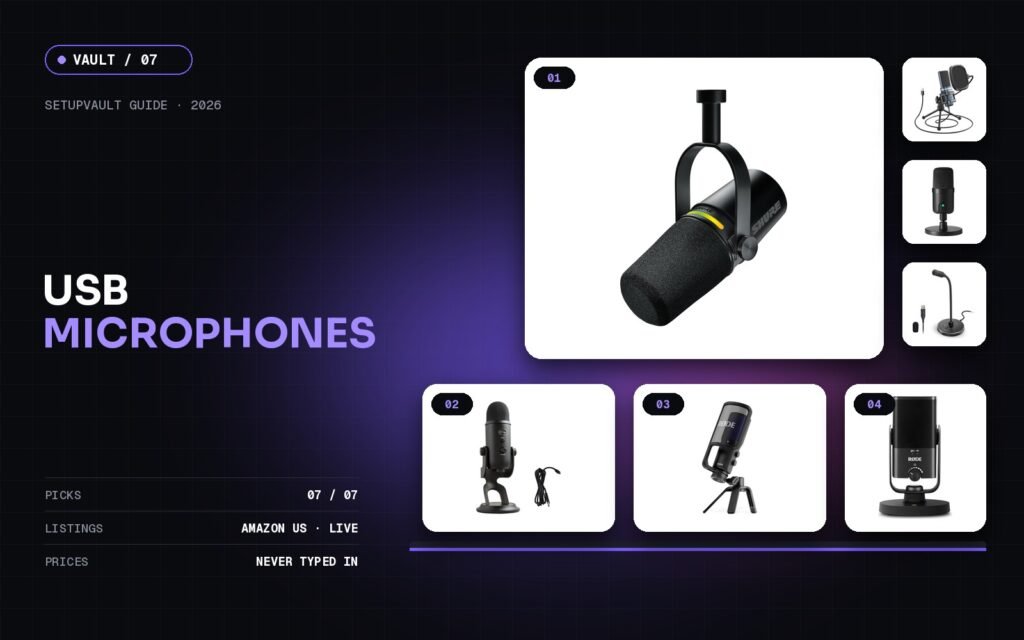
USB Microphones for Streaming, Podcasts, and Calls: 7 Picks (2026)
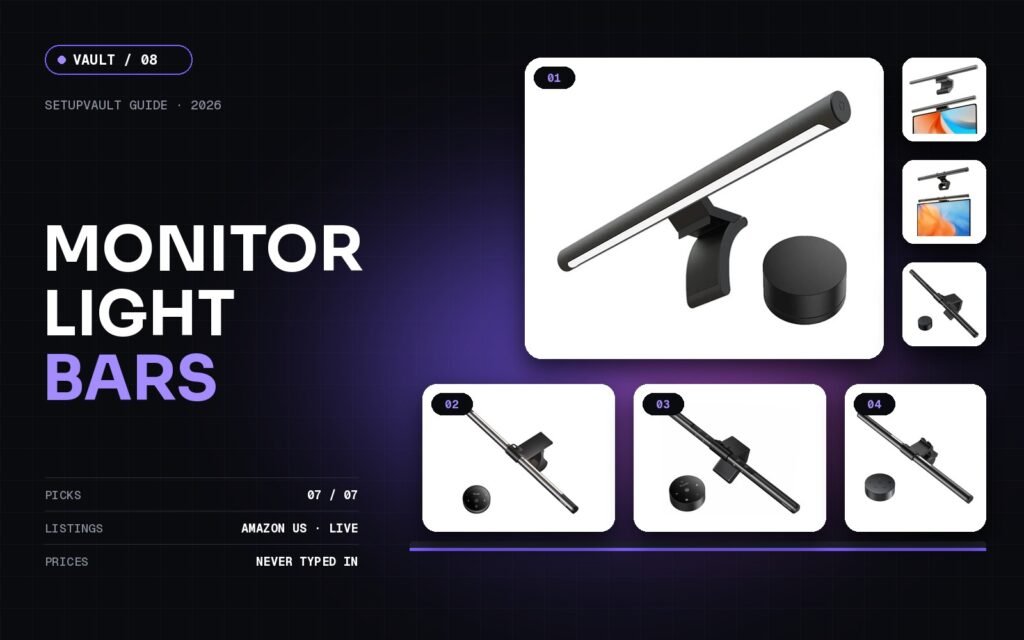
Monitor Light Bars: 7 Lamps That Light the Desk, Not Your Screen (2026)
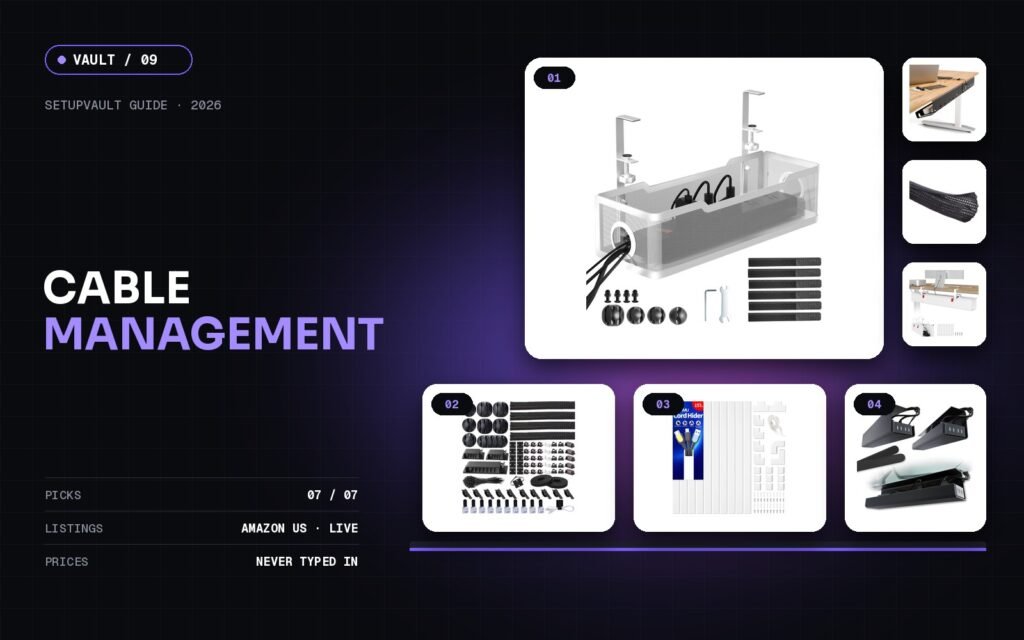
Cable Management: 7 Fixes for a Clean Desk Setup (2026)
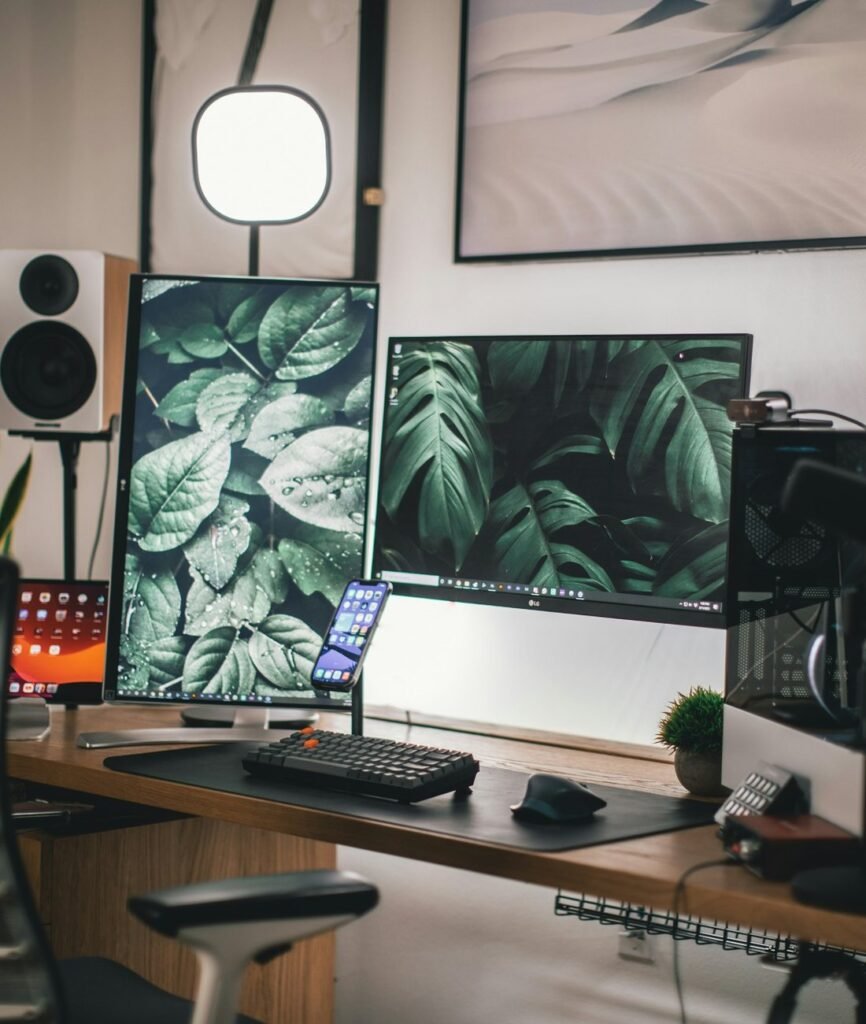
Desk v7, and counting
My story
I rebuilt my desk seven times before it felt right.
My first setup was a laptop on a kitchen table, a mouse that came free with a printer, and a tangle of chargers. Then I worked from home full-time, and every small problem got bigger: a sore wrist, a stiff neck, a webcam that made me look like I was calling from a cave.
I fixed it one piece at a time, and I made plenty of bad buys along the way. SetupVault is the shortlist I wish I’d had. Each guide covers one accessory, with seven picks I would actually recommend to a friend. Every product links to a live Amazon US listing, and I never type in a price: the card shows Amazon’s current one.
Build it once. Build it right.
vault unlocked
Your next upgrade is one click away.
Nine honest guides, 63 checked products. Find what your desk is missing.